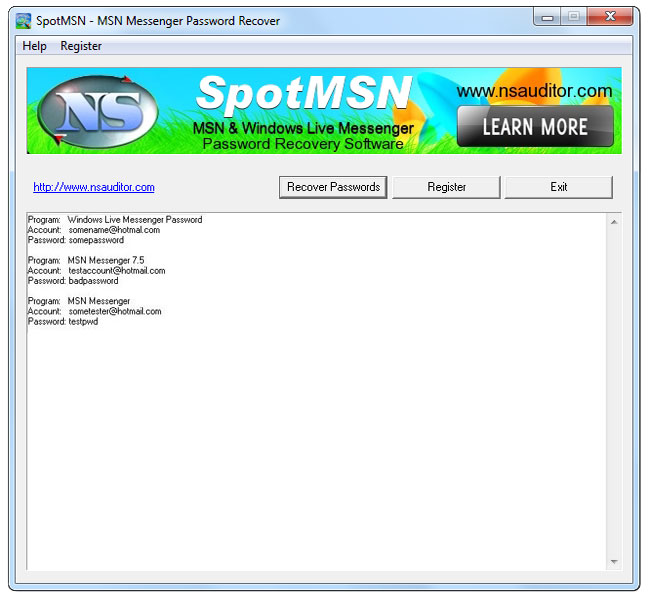
How to delete MSN or Windows Live Messeger Username and Password?
If several people use a machine to sign into MSN or Windows Live Messenger then their email addresses may be added to the MSN login dropdown list presented when you come back and login later. How to delete email addresses, MSN user names and passwords from that list for privacy reasons?
In "Windows Live Messenger" is an option "Remember me" and below is "forget me" in blue color you can click on that. Then that name or id in the box will go off ( it will ask for confirmation ), also uncheck "sign me automatically" tick box. After you can sign with your new MSN user name and password.
Full version for only$17.50
Related product:
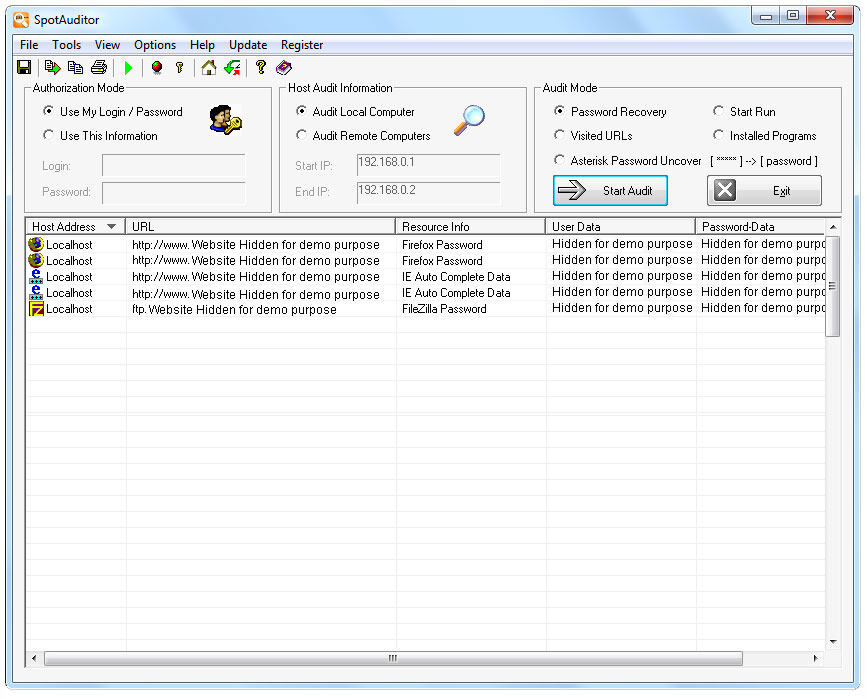
SpotAuditor - All-in-one password recovery program in the single package. Great value for money!
SpotAuditor is Windows utility that offers administrators and users a comprehensive solution for recovering passwords and other critical business information stored in users' computers. SpotAuditor recovers over 40 programs passwords!
Nsasoft products may be found in businesses all over the world, including international companies, non profit & government agencies, educational organizations.